Description
I. Introduction to Medical Dry Film
_x000D_
_x000D_
II. General Technical Parameters
_x000D_
_x000D_
- _x000D_
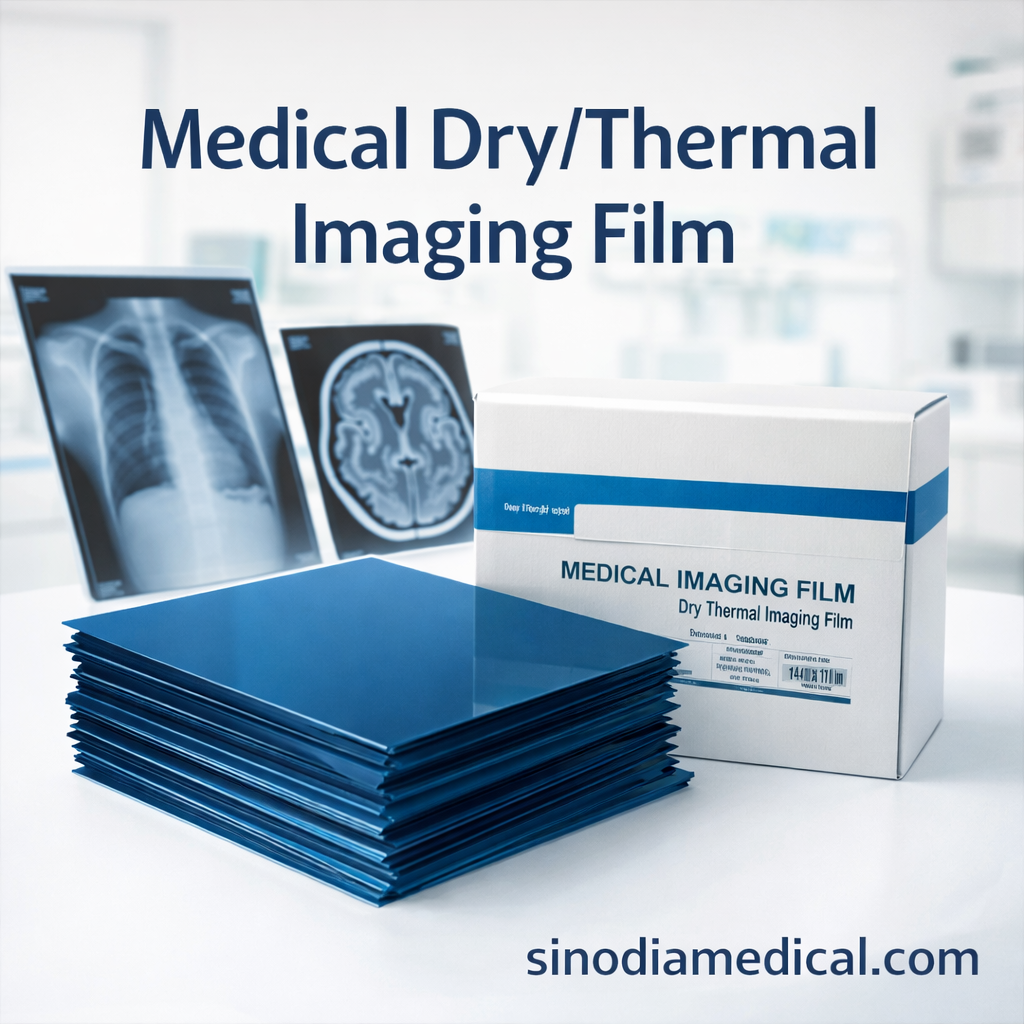
- Product features: This film is dry film, Direct thermal imaging. With less fog, high definition, high density, bright color, and convenient diagnosis
- Color: Blue
- Structure: Protective layers, Thermal sensitive layer, Film Base layer.
- Printing type: Direct digital thermal printing
- Compatible printer: Thermal Printers: MD160, Fuji 2000/3500/Lite, Agfa DRYSTAR 5302, Agfa DRYSTAR AXYS, HuQ …
- Film Sizes: 8×10in, 10×12in, 11×14in, 14×17in
_x000D_
_x000D_
_x000D_
_x000D_
_x000D_
_x000D_
_x000D_
Structure of Thermal Film
_x000D_
One side of the PET base is coated with a Thermal-Sensitive layer and protective coating, while the opposite side has an anti-adhesion and anti-static backing layer.
_x000D_
_x000D_
(*) Thermal Film Parameter
_x000D_
- _x000D_
- Blue PET base
- Imaging Technology: Direct – thermal imaging (dry printing, operating in a light-tolerant environment)
- Fog Density DO: ≤0.08
- Average slope G -: 1.9±0.4
- Sensitivity S: 15~50
- Max density Dmax ≥ 3.18
- Thickness 195μm
- Gray-scale Resolution: 14-bit
- Printing Color: Black and white
- Film Shelf Life: 24 months
- Apparent Quality: The film should be apparently clean and free from defects such as fingerprints, oil stains, spots, scratches, bubbles, coating peeling, wire drawing, streaks, and coating shedding.
- Printing Speed: 8in×10in: ≥90 sheets/hour, 14in×17in: ≥70 sheets/hour
_x000D_
_x000D_
_x000D_
_x000D_
_x000D_
_x000D_
_x000D_
_x000D_
_x000D_
_x000D_
_x000D_
_x000D_
_x000D_
Technical characteristics and properties of GE980 film are equivalent to those of GE970 film._x000D_
(*) GE970 film is for domestic sale within China only._x000D_
(*)GE980 film is intended for export (outside of China).
_x000D_
_x000D_
Specification package
_x000D_
_x000D_
| Size | Package | ||
|---|---|---|---|
| Imperial system_x000D_ _x000D_ (inch, in) |
Metric system_x000D_ _x000D_ (centimeter, cm) |
Sheets/Box | Boxes/Carton |
| 8 x 10 | 20 x 25 | 100 | 5 |
| 10 x 12 | 25 x 30 | 100 | 5 |
| 10 x 14 | 26 x 36 | 100 | 5 |
| 11 x 14 | 28 x 35 | 100 | 5 |
| 14 x 17 | 35 x 43 | 100 | 5 |
_x000D_
_x000D_
FAQ :
_x000D_
1. What precautions should be taken after opening the film?
_x000D_
After opening the film, use it promptly. First, avoid bending, friction, or heavy pressure—these can cause creases or cracks on the imaging surface. Additionally, never use the film in high-humidity environments, as moisture may make it stick and peel, ruining the image. Store it in a moderate humidity to prevent static marks, and always handle it with dry hands to avoid damage. Finally, keep it away from high temperatures to maintain optical clarity.
_x000D_
_x000D_
2. What are the advantages of thermal film vs. traditional film?
_x000D_
Thermal film offers three key benefits. First, it images in seconds—far faster than traditional film, which takes minutes. Second, it’s eco-friendly: no chemical development means zero polluting waste. While traditional film has high resolution, thermal film’s clarity meets most clinical needs. In fact, its special formulations can even enhance details in specific scenarios. Cost-wise, thermal film saves money: though slightly pricier, it eliminates chemical equipment and maintenance costs.
_x000D_
_x000D_
3. How compatible is the film with market printers?
_x000D_
We’ve rigorously tested our thermal film with all major medical printers—both imported and domestic brands. The result? Seamless compatibility. Whether you use a top-tier model or a budget option, expect sharp images, accurate colors, and zero blurring. No need to worry about setup—our film works right out of the box for reliable performance every time.
_x000D_
_x000D_
4. Why might film image quality suffer?
_x000D_
Here are the main culprits. First, printer settings like temperature or pressure might need calibration. Next, improper storage—such as heat, humidity, or sunlight—can degrade the film. Clogged printer nozzles are another common issue. While rare, film defects can occur, but our strict quality checks minimize this. If problems arise, start by checking storage and printer settings. Our tech team is always ready to help diagnose issues.

Reviews
There are no reviews yet.